
94%
OFF
OFF
Advanced ChatGPT Course: Master Features, Tools and AI Workflows
- Lifetime Access
- All Levels
- PDF Certificate
£296
£19
14-Day Money-Back Guarantee
Learn With Confidence





Develop a deeper understanding of ChatGPT and learn how to use its advanced features to improve productivity, communication, research and everyday digital tasks. This course is designed for learners who already have some familiarity with ChatGPT and want to explore more effective ways of interacting with AI.
ChatGPT is an artificial intelligence assistant that can help users generate ideas, explain complex topics, summarise information, draft content, analyse data and support problem-solving. Its usefulness depends not only on the technology itself but also on how effectively users communicate their goals and provide instructions.
Advanced ChatGPT use involves more than asking simple questions. It requires an understanding of prompt design, context management, iterative refinement, task planning and the appropriate use of available tools and features.
Throughout this course, you will explore advanced prompting techniques, structured instructions, customisation, file-based workflows, data analysis concepts, image-related capabilities and productivity applications. You will learn how to create clearer prompts, improve the relevance of responses and use AI assistance more effectively for different tasks.
You will also explore the importance of reviewing AI-generated information. Understanding potential inaccuracies, limitations, privacy considerations and responsible use will help you make more informed decisions when working with AI.
By the end, you will have a stronger understanding of advanced ChatGPT workflows and how they can be applied to learning, content creation, research and professional activities.
What You Will Learn
By completing this course, you will be able to:
-
Understand advanced ChatGPT capabilities and applications.
-
Develop structured and effective prompts.
-
Provide context and instructions for more relevant responses.
-
Use iterative prompting to refine AI-generated outputs.
-
Explore available ChatGPT tools and productivity features.
-
Understand file-based interactions and document analysis.
-
Explore data analysis workflows using AI assistance.
-
Use ChatGPT to support writing and content development.
-
Generate ideas and organise complex tasks.
-
Understand how custom instructions and personalisation can influence responses.
-
Identify limitations and potential inaccuracies in AI-generated information.
-
Apply responsible AI practices.
-
Develop practical AI-assisted workflows for everyday tasks.
Who Is This For?
Existing ChatGPT users: Explore advanced ways to use the assistant beyond basic questions and answers.
Students: Learn how AI can support studying, research organisation and understanding complex subjects.
Professionals: Explore ways to use ChatGPT for drafting, summarising, planning and productivity.
Content creators: Use AI assistance to support brainstorming, writing, editing and content development.
Business owners: Understand how ChatGPT can support administrative tasks, communication and business planning.
Digital marketers: Explore AI-assisted research, content creation and campaign planning.
Technology enthusiasts: Develop a stronger understanding of conversational AI tools and their practical applications.
Requirements / Prerequisites
Basic familiarity with ChatGPT is recommended. Learners should understand how to enter prompts and interact with an AI assistant.
No programming experience is required. The course focuses on practical usage, workflows and effective communication with AI.
Access to ChatGPT and an internet connection will be useful. Some advanced tools or features may depend on the user’s subscription, region, device and current product availability.
A willingness to experiment with prompts, compare outputs and review AI-generated information will help you get more value from the learning process.
Course Content and Learning Journey
Module 1: Understanding Advanced ChatGPT Capabilities
Explore how ChatGPT supports communication, research, content development and problem-solving. Understand the difference between basic interactions and more structured AI-assisted workflows.
Module 2: Advanced Prompt Engineering
Learn how to write clear, specific and context-rich prompts. Explore role-based instructions, task definitions, output requirements, examples and constraints that can improve response relevance.
Module 3: Context Management and Iterative Prompting
Understand how context influences AI responses. Learn how to refine prompts, ask follow-up questions, correct misunderstandings and improve outputs through multiple interactions.
Module 4: ChatGPT for Writing and Content Development
Explore how ChatGPT can support brainstorming, outlining, drafting, rewriting, editing and summarising. Understand how to maintain a consistent tone and review content for accuracy and quality.
Module 5: Research and Information Organisation
Learn how to use ChatGPT to organise research questions, explain unfamiliar concepts and structure information. Explore the importance of checking sources and distinguishing verified facts from generated suggestions.
Module 6: Working with Files and Data
Explore available file-based workflows and how AI tools may assist with reviewing documents, summarising information and analysing structured data. Understand the importance of checking calculations and interpretations.
Module 7: Productivity and Task Automation Concepts
Understand how ChatGPT can support planning, task organisation, workflow development and repetitive information-processing activities. Explore how AI assistance can fit into everyday work processes.
Module 8: Customisation and Personalised Workflows
Explore available customisation options, such as instructions and specialised conversational setups. Understand how to provide consistent guidance for recurring tasks.
Module 9: Responsible AI Use, Privacy and Limitations
Learn about AI-generated errors, incomplete information, bias and privacy considerations. Explore ways to review outputs, protect sensitive information and use AI responsibly.
Module 10: Building Advanced ChatGPT Workflows
Bring together prompting, context management, content creation, research and productivity techniques. Explore how to design repeatable workflows for personal, educational and professional tasks.
Skills You Will Develop
You will strengthen your ability to communicate with AI systems through clear instructions and structured prompts.
Prompt engineering skills will help you define tasks, provide relevant context and specify the format or quality requirements of a response. You will also develop the ability to refine outputs through follow-up instructions rather than accepting the first response automatically.
Content development skills will help you use ChatGPT to organise ideas, draft material and improve written communication. Research and analytical skills will support your ability to investigate topics and organise information while recognising the need for independent verification.
You will also develop awareness of responsible AI practices, including reviewing outputs and avoiding inappropriate disclosure of confidential information.
Practical Applications
Advanced ChatGPT knowledge can be applied across many personal and professional activities.
Students may use AI assistance to explain difficult concepts, organise study notes and generate revision questions. Professionals may explore drafting emails, summarising documents, preparing meeting materials and organising project information.
Content creators can use ChatGPT to brainstorm topics, structure articles and refine written material. Business owners may explore its use for planning, customer communication drafts and internal documentation.
The specific capabilities available will depend on the ChatGPT tools and features accessible to each user. AI-generated content should always be reviewed before being used in important decisions or published externally.
Career Path
Advanced ChatGPT knowledge can complement several professional areas.
-
AI Productivity Specialist: Support the development of AI-assisted workflows within an organisation.
-
Digital Marketing Assistant: Use AI tools to support content planning, research and campaign preparation.
-
Content Creator: Apply AI-assisted techniques to writing and content development.
-
Business Support Assistant: Use AI to help organise information and prepare administrative materials.
-
Research Assistant: Apply AI tools to organise research questions and summarise information while verifying sources.
-
AI Workflow Assistant: Help identify tasks that may benefit from structured AI assistance.
-
Virtual Assistant: Use AI tools to support communication, organisation and administrative activities.
These are potential career directions rather than guaranteed employment outcomes. Professional roles may require additional experience, domain expertise, communication skills and knowledge of relevant AI tools.
Why Learn Advanced ChatGPT Skills?
AI tools are becoming increasingly relevant to how people create content, process information and organise work. Learning how to use ChatGPT effectively can help you approach tasks more efficiently and explore new ways of solving problems.
Understanding advanced features also helps you recognise that the quality of AI-generated results depends on the instructions, context and information provided. Effective users know how to review responses, refine prompts and identify when independent research is necessary.
Conclusion
This advanced ChatGPT course provides a structured introduction to prompt engineering, context management, content creation, research workflows, file-based tasks and responsible AI use.
By completing the course, you will have a stronger understanding of how to use ChatGPT for practical activities and develop more effective AI-assisted workflows. Whether you want to improve productivity, strengthen your digital skills or explore AI-related professional opportunities, this course will help you use ChatGPT more confidently and strategically.
Course Modules
Course Content
Module 1 – Introduction to Image Creation and Editing
-
Introduction to Image Creation and Editing
00:00
Module 2 – Generating and Outputting New Photos
Module 3 – Creating Alternative Image Outputs
Module 4 – Diagram and Document Image Generation
Module 5 – Advanced Diagram and Document Imaging (Part 2)
Module 6 – Converting MP4 Videos into GIFs
Module 7 – Live Example: Writing a Document
Module 8 – Live Example: Suggesting Edits
Module 9 – Expanding Content and Improvement Suggestions
Module 10 – Live Example: Adjusting Reading Level
Module 11 – Final Polish and Emoji Enhancements
Module 12 – Live Example: Image Generation Workflow
Module 13 – Comparing Bing and ChatGPT Search
Module 14 – Comparing Google AI Search and ChatGPT
Module 15 – Traditional Google Search vs ChatGPT
Module 16 – ChatGPT vs NotebookLM: Frequently Asked Questions
Module 17 – ChatGPT vs NotebookLM: Study Guide Comparison
Module 18 – Creating Audio Overviews in ChatGPT
Module 19 – Generating Audio with ElevenLabs
Module 20 – Final Comparison and Conclusion
What our students say
Excellent
4.9 average
168 Reviews

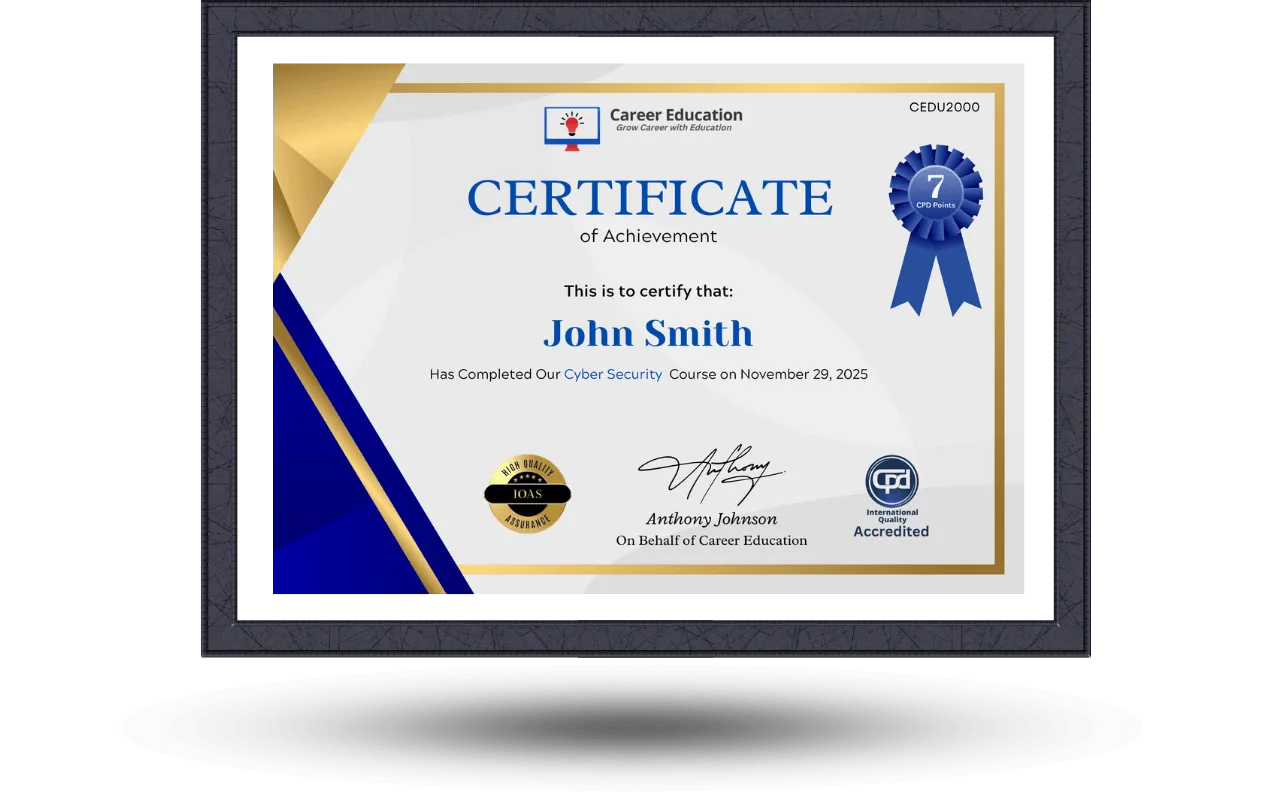
Earn an Accredited Certificate
Upon completion of any course, all students are entitled to a CPD IQ Accredited e-certificate that will be issued by Career Education signifying the completion of your course.
After you complete the course and assignment, you will be eligible to order a free certificate accredited by CPD International Quality by completing the form below.
Hardcopy certificates and transcripts are also available for a small additional fee. More information is disclosed upon course completion.
Similar Courses




Frequently Asked Questions
The lifetime membership includes unlimited access to all courses, resources, and updates for a one-time fee.
You can purchase the membership directly from our website using a secure checkout process.
Yes, selected courses can be downloaded for offline access through our mobile app.
Yes, all future updates and new courses are included at no extra cost.
Yes, we offer a 30-day money-back guarantee if you are not satisfied with the membership.